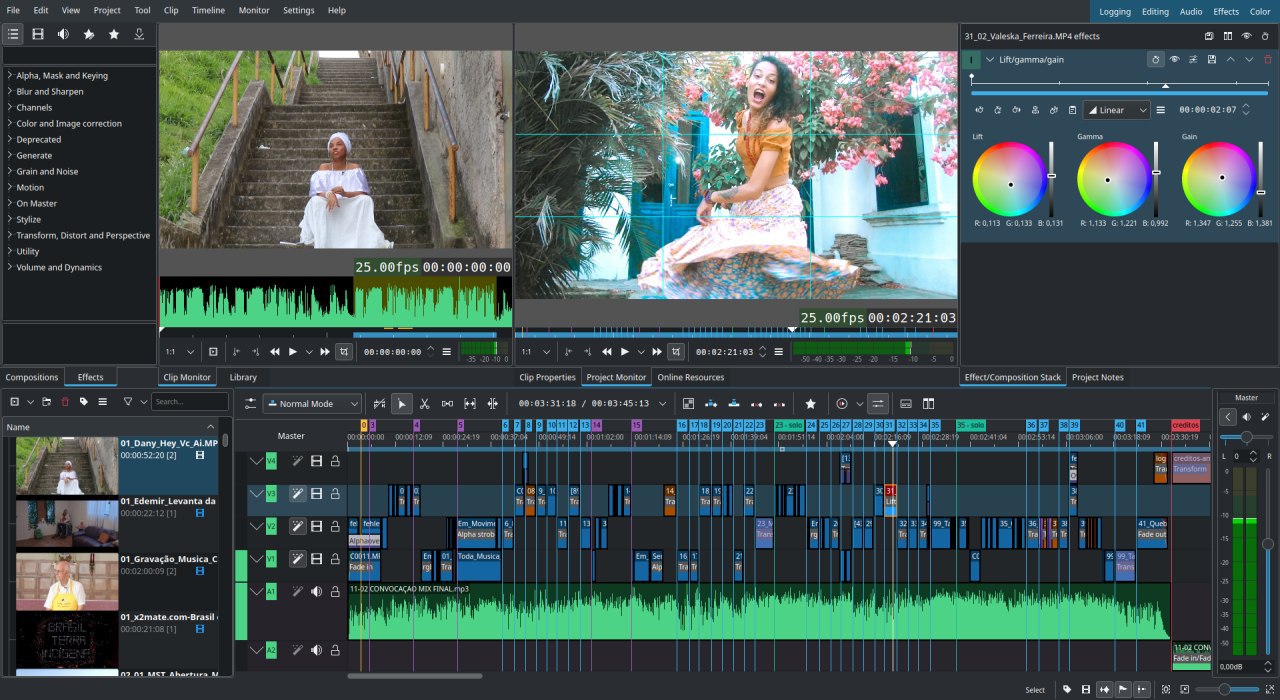
Top 5 Video Editing Software Options for Every Skill Level
When it comes to finding the right video editing software, the options can be overwhelming. Whether you're a beginner just starting out or a seasoned professional looking to enhance your workflow, there are tools tailored to every skill level. In this article, we will explore the top 5 video editing software options that cater to various needs, making it easier for you to choose the right fit for your projects.
- iMovie: Ideal for beginners, this user-friendly software provides a range of basic editing tools and features that make video creation a breeze.
- Filmora: Offers an intuitive interface with plenty of advanced effects, perfect for those looking to take their editing skills to the next level.
- Adobe Premiere Pro: A powerful editing software for professionals, it boasts a wide range of features designed for high-quality production.
- Final Cut Pro: Exclusively for Mac users, this professional-grade software is known for its speed and advanced capabilities.
- DaVinci Resolve: This software combines editing, color correction, and visual effects, making it a top choice for those seeking comprehensive solutions.
What Features Should You Look for in Video Editing Software?
When searching for the right video editing software, it’s essential to consider several key features that can enhance your editing experience and streamline your workflow. First and foremost, look for a user-friendly interface that allows for easy navigation and quick access to tools. Additionally, sophisticated features such as multi-track editing, 4K support, and a variety of filters and effects can help elevate the quality of your projects. Features like audio editing capabilities and color correction tools are also vital, as they enable you to create polished and professional videos.
Moreover, consider the software's compatibility with various file formats and whether it supports additional plugins or extensions for added functionality. A robust rendering engine is crucial for efficient processing times, while cloud storage integration can help you save and access your projects from anywhere. Finally, it’s beneficial to choose software that offers tutorials and customer support to assist you in troubleshooting and maximizing the use of its features. By evaluating these aspects, you'll be better equipped to select the ideal video editing software that fits your needs.
How to Identify the Best Video Editing Software for Your Creative Style
Identifying the best video editing software for your creative style involves understanding your specific needs and preferences. Begin by assessing the nature of your projects—are you producing short clips for social media, or are you aiming for feature-length films? Create a list of essential features you require, such as advanced color grading, audio editing tools, or support for various video formats. With an array of software options available, it's crucial to find one that aligns with your skill level, whether you're a beginner looking for user-friendly interfaces or a professional in need of advanced capabilities.
Once you have a clear idea of your requirements, consider these helpful steps to narrow down your choices:
- Research various software programs and read user reviews to gather insights about their performance and user satisfaction.
- Try free trials to experience the interface and tools firsthand before committing to a purchase.
- Evaluate compatibility with your operating system and hardware to ensure smooth functioning.